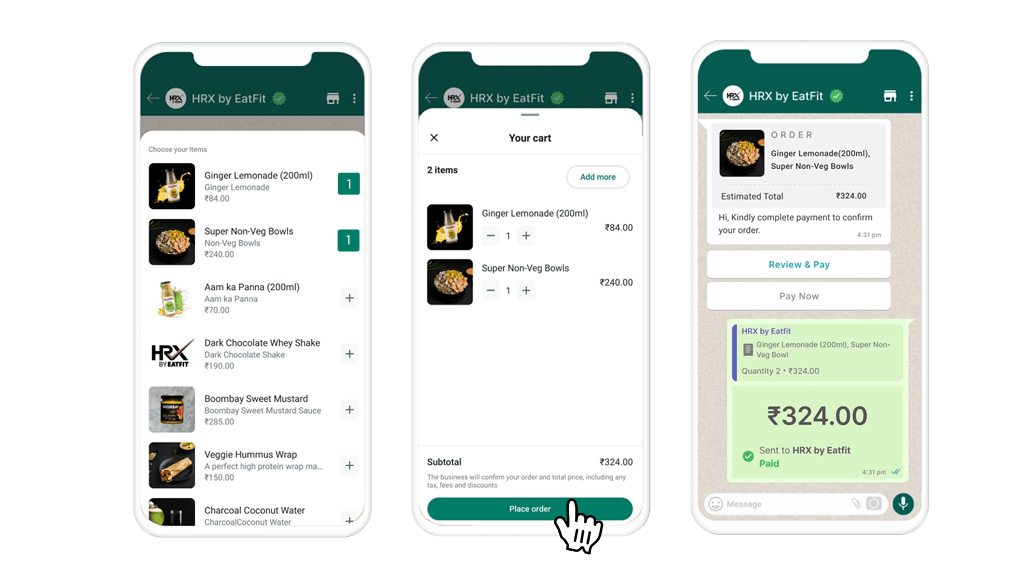
AWhatsApp Catalogue allows businesses to create and share catalogues of their products and services directly through WhatsApp. Customers can browse your catalogue, and even make purchases without ever leaving WhatsApp.
Product Categorization
Organize products into detailed categories
Rich Content
Include full product descriptions, images and price
Ease of Use
you can easily share the catalog with customers.
Founders & Marketers Love us
Trusted by 150,000+ Businesses across 60+ Countries
How to Enable WhatsApp Catalogue via AiSensy
Steps enable WhatsApp Catalogues via WhatsApp Business API with AiSensy
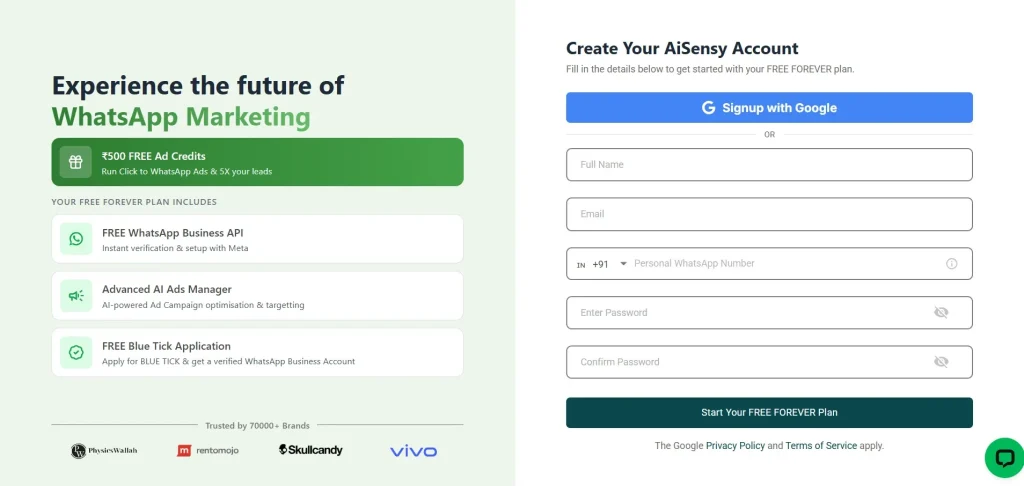
Create a AiSensy Account and Apply for Free WhatsApp Business API
Sign up at AiSensy.com and complete your profile.
In your AiSensy dashboard apply for WhatsApp Business API and and submit your business details.
Excellent. 4.4our of 5 based on 660: reviews Google
FAQ
Frequently asked questions answered
What is better: to create a WhatsApp Catalog via the WhatsApp Business App or API?
Creating a catalog via the WhatsApp Business App is simpler and faster, ideal for small businesses. However, using the API through platforms like AiSensy is better for businesses that need scalability, automation, and advanced customization.
How does integrating a product catalog with a WhatsApp chatbot benefit customer support?
Combining a product catalog with a chatbot allows customers to browse products and get details without waiting for a human response, improving customer satisfaction and reducing support load.
Can I sell digital products using the WhatsApp Catalog?
Yes, you can list digital products like eBooks, software licenses, online courses, or subscriptions in your WhatsApp Catalog.
Are there any limits on the number of items I can add to my WhatsApp Catalog?
Yes, WhatsApp currently allows up to 500 products per catalog, making it suitable for small to medium-sized businesses.
Are there any limits on the number of items I can add to my WhatsApp Catalog?
Yes, you can integrate payment options with your WhatsApp Catalog using platforms like WhatsApp Pay or third-party payment gateways, making it easier for customers to complete purchases directly within the chat.
Can I integrate payment options with my WhatsApp Catalog?
Yes, you can integrate payment options with your WhatsApp Catalog using platforms like WhatsApp Pay or third-party payment gateways, making it easier for customers to complete purchases directly within the chat.